Music player for Wear OS and Apple Watch
Your music on phone and watch
WearMedia brings your music to your wrist. Send songs, albums, playlists and podcasts from your phone to your Wear OS or Apple Watch with one tap – and listen offline, without your phone.
Works with all Wear OS smartwatches and with Apple Watch (watchOS 10 or newer).

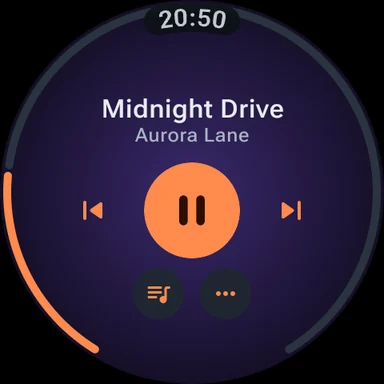
A closer look
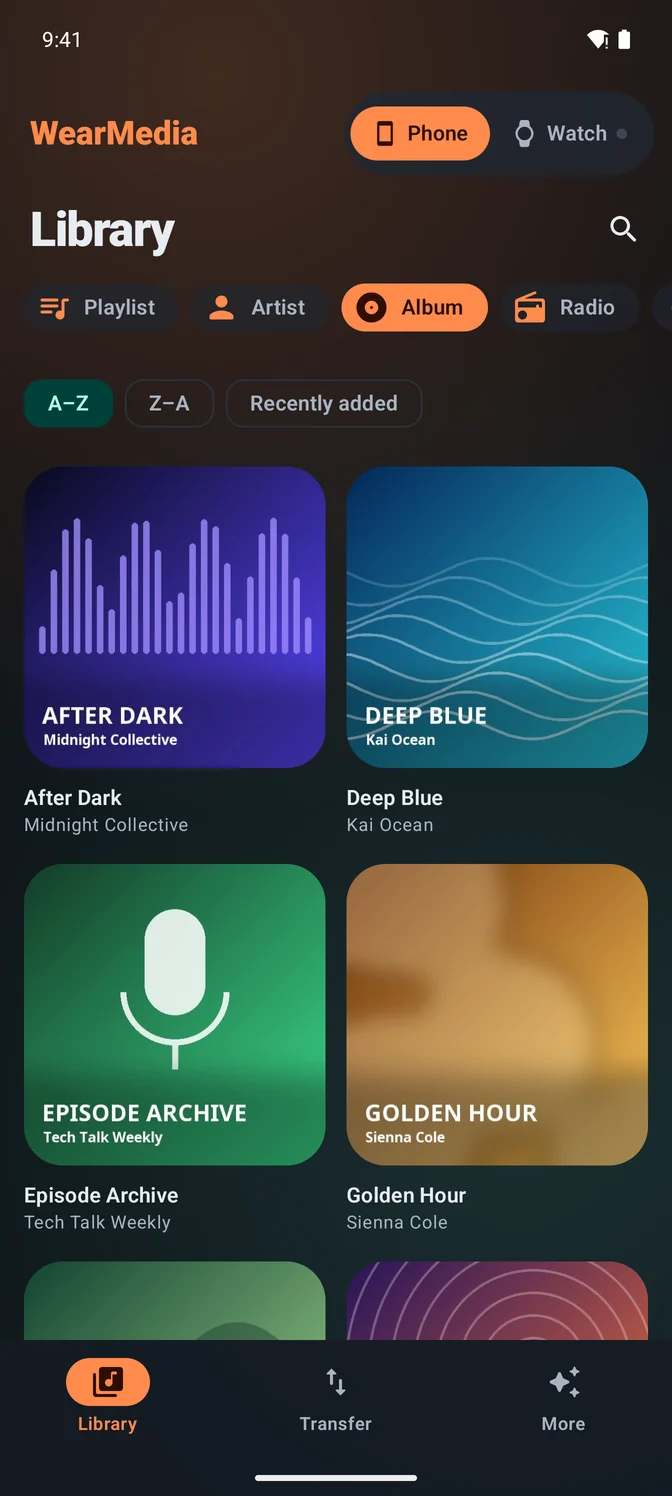
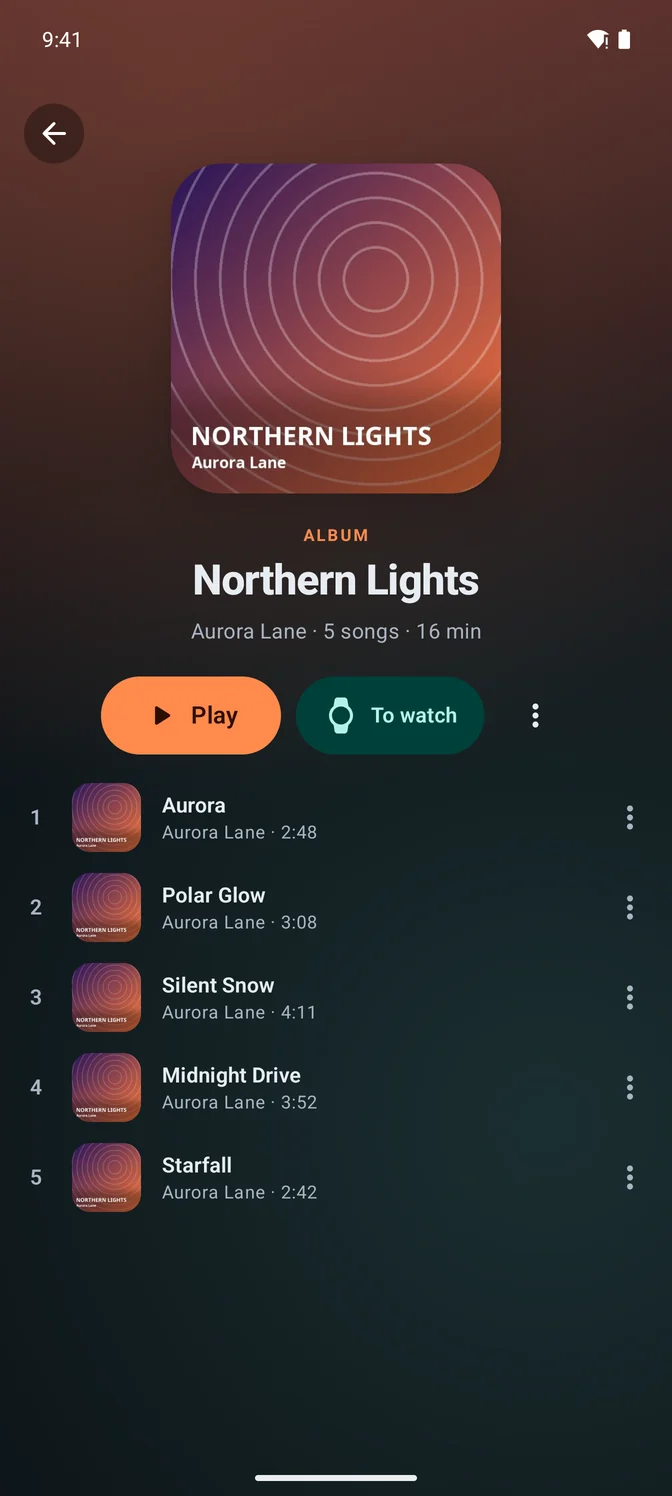
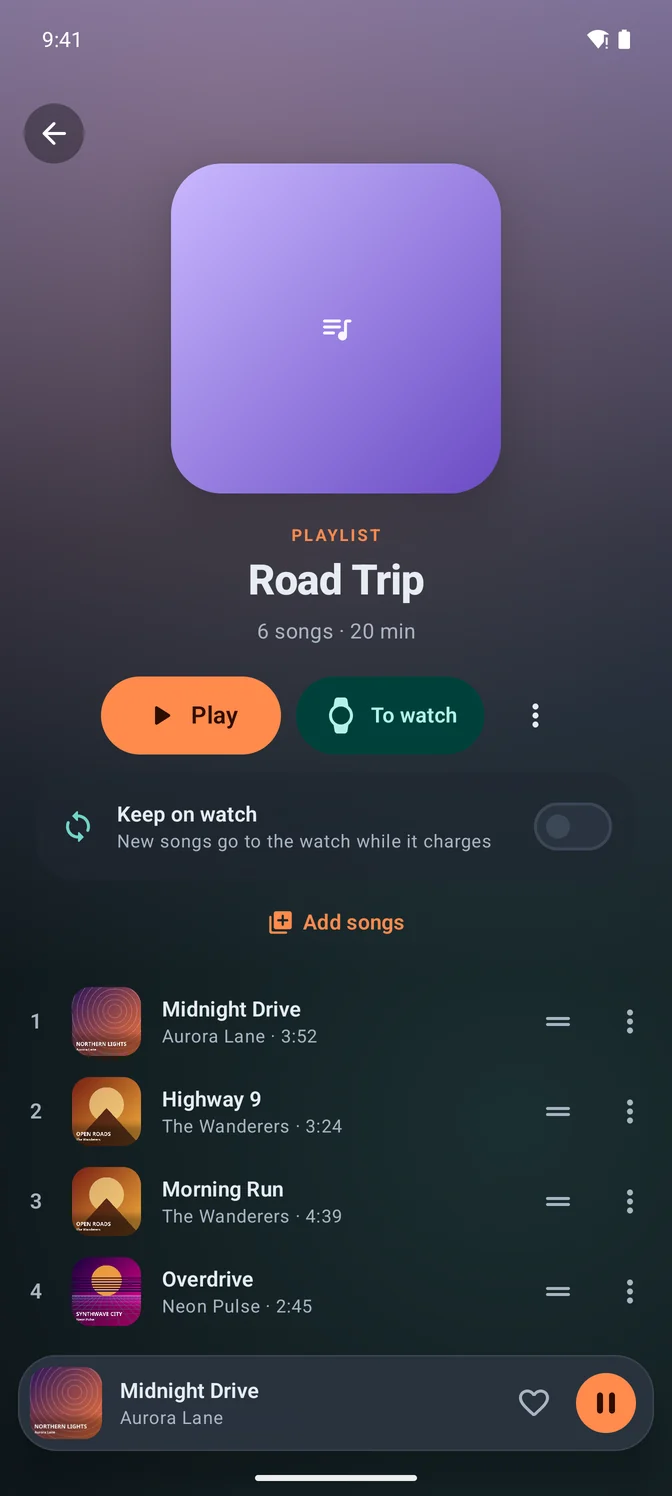
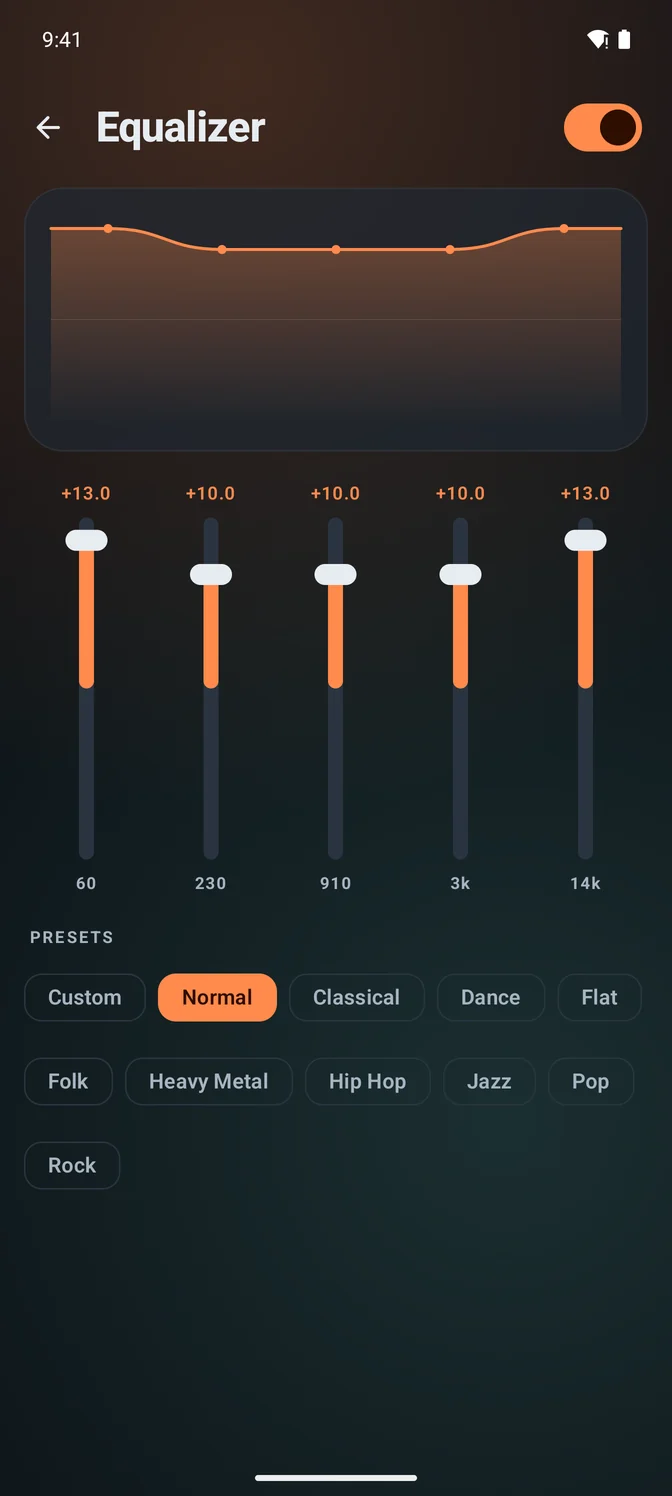
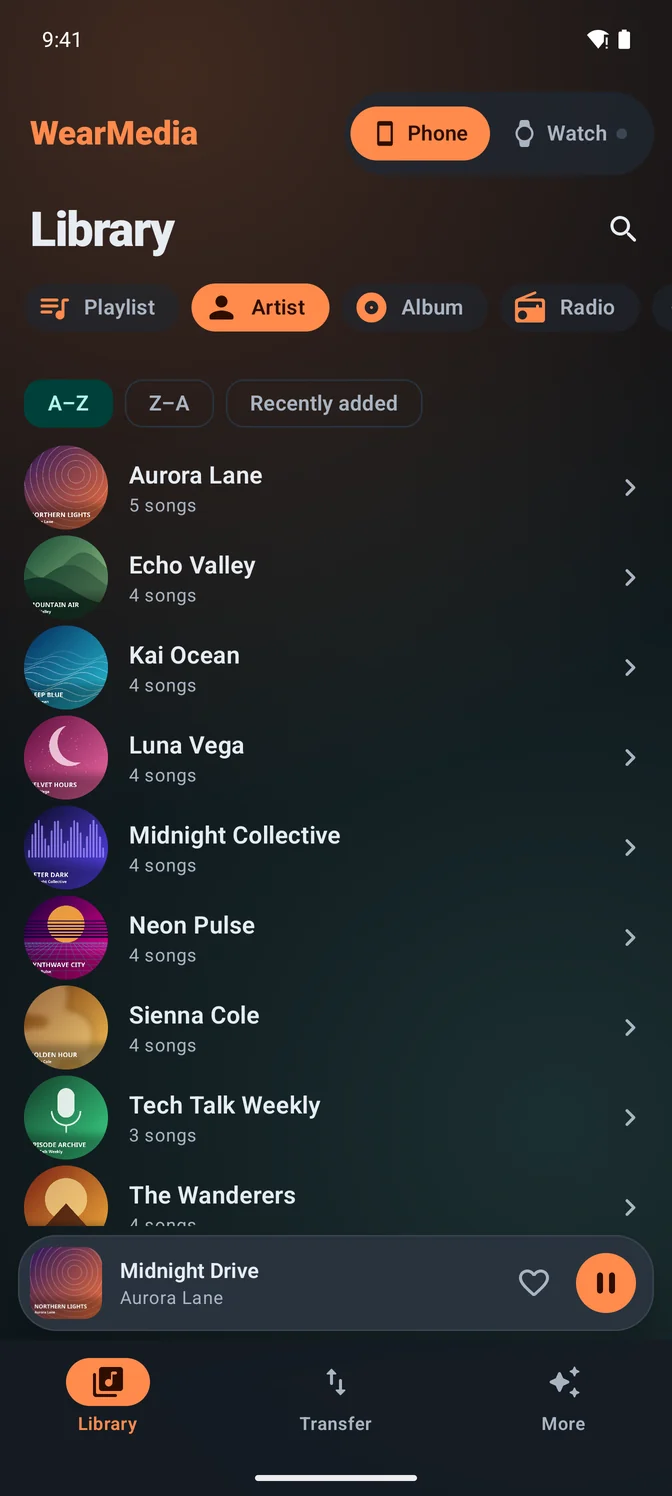
Everything for music on your wrist
New in version 4
- All-new design on phone and watch
- Home screen widget for the phone
- Tile and watch face complication on the watch
- Podcasts and audiobooks, remembering where you stopped
- Remote control: control the phone from the watch and the watch from the phone
- Playlists stay in sync on the watch automatically
- Optional smaller files to save space on the watch
- Storage overview on the watch, warning on the phone when space runs low
- Search your library on the phone
- Cover art in the watch player
- Better playback controls on the lock screen and via Bluetooth
Also included
- Offline music player on the watch – perfect for running and workouts
- Equalizer with presets on phone and watch
- Plays MP3, M4A, AAC, FLAC, WAV, OGG and more
Radio on phone and watch
Internet radio from the radio-browser.info directory: search by name, country or genre, or pick from the top list. Save your own stations, import .m3u or .pls playlists and take the radio to your wrist.
- Search by name, country, genre or top list
- Save your own stations and import .m3u or .pls playlists
- Radio playlists for your favourite stations
- Stations on the watch – on Apple Watch the watch streams them itself
Wear OS · Apple Watch
Made for the watch
Leave your phone at home: songs, playlists and podcasts are stored on the watch. Connect Bluetooth headphones and go – with a tile or complication and cover art right on your wrist.
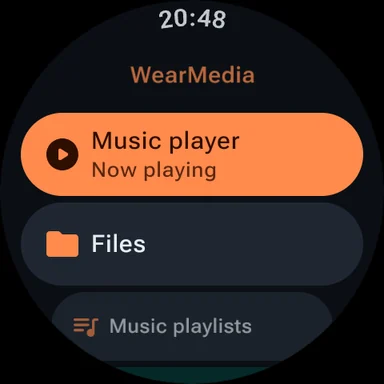
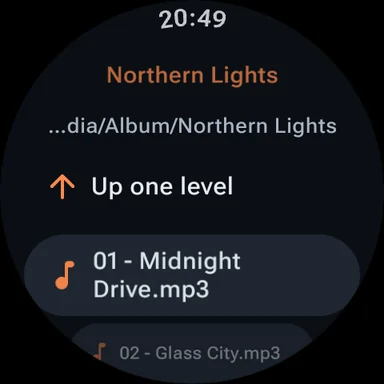
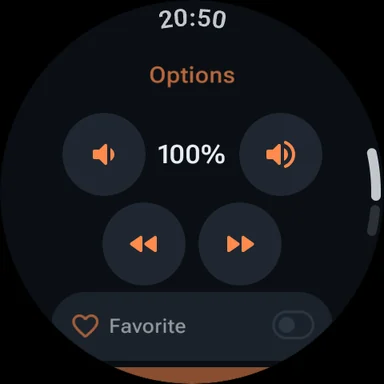
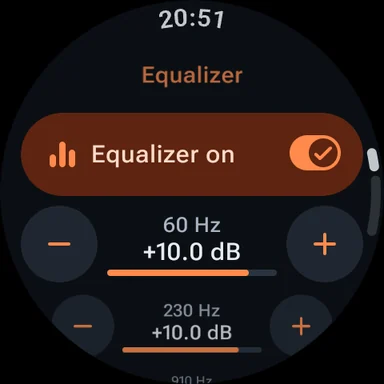
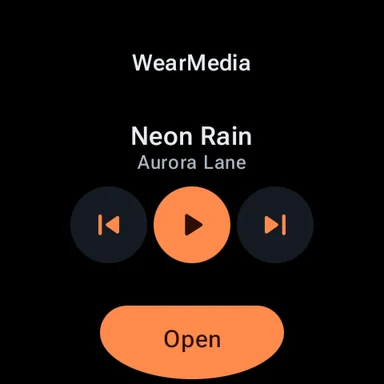
Video guides
Short videos with the real app screens: from the first song on your watch to your own sound.
Frequently asked questions
Which smartwatches are supported?
All Wear OS smartwatches with Wear OS 3 or newer, for example Pixel Watch and Galaxy Watch 4 and newer – and Apple Watch with watchOS 10 or newer.
Do I need my phone while listening?
No. Music you transfer is stored on the watch and plays offline – just pair Bluetooth headphones with the watch.
Which files can I play?
MP3, M4A, AAC, FLAC, WAV, OGG and more – your own music files and podcasts from your phone.
Can I transfer Spotify, Apple Music or YouTube Music songs?
No. Downloads from streaming services are copy-protected. WearMedia transfers your own, unprotected audio files.
Which iPhone and Apple Watch do I need?
WearMedia for iPhone needs iOS 17 or newer. The watch app needs watchOS 10 or newer. You pair iPhone and watch as usual.
Can I listen to radio on Apple Watch without my iPhone?
Yes. The watch streams the station itself. It needs its own Wi-Fi or cellular (LTE) connection, or the connection of the paired iPhone.
Can I import music on iPhone?
Yes. Put your own audio files into WearMedia via the Files app, iCloud Drive or Finder. Songs from Apple Music or Spotify can’t be transferred – they are copy-protected.
Can I move PremiumPlus from Android to iPhone?
No. Purchases are tied to the store: PremiumPlus bought on Google Play applies to Android, and PremiumPlus bought in the App Store applies to iPhone and Apple Watch.
